Device Code Phishing: Where User Training & MFA Both Fail
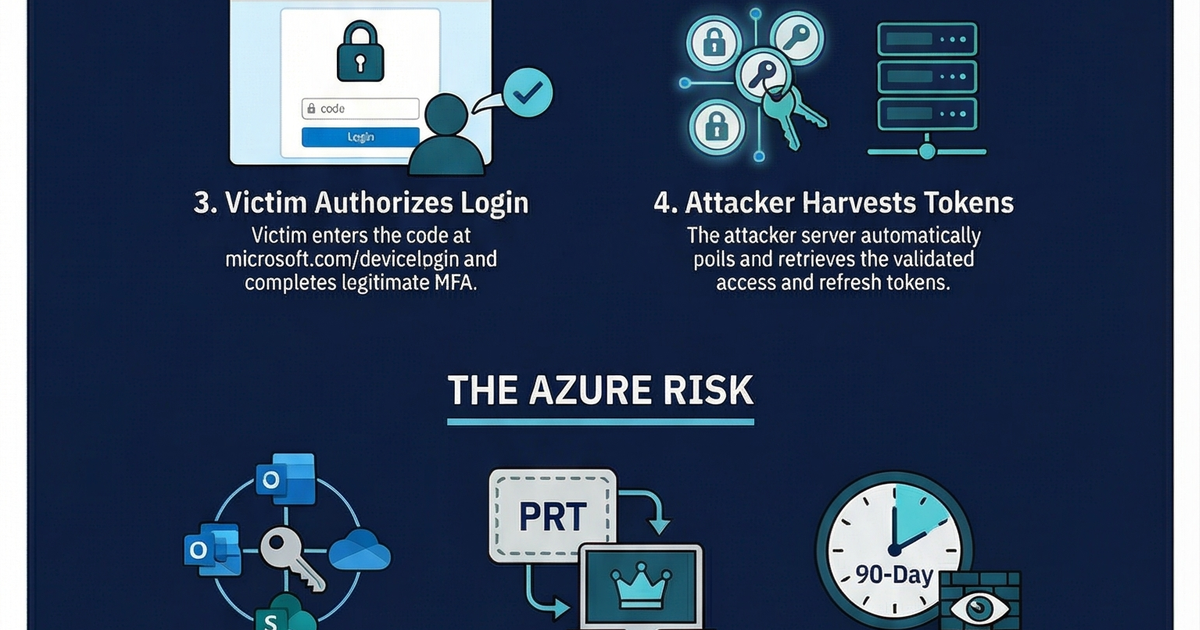
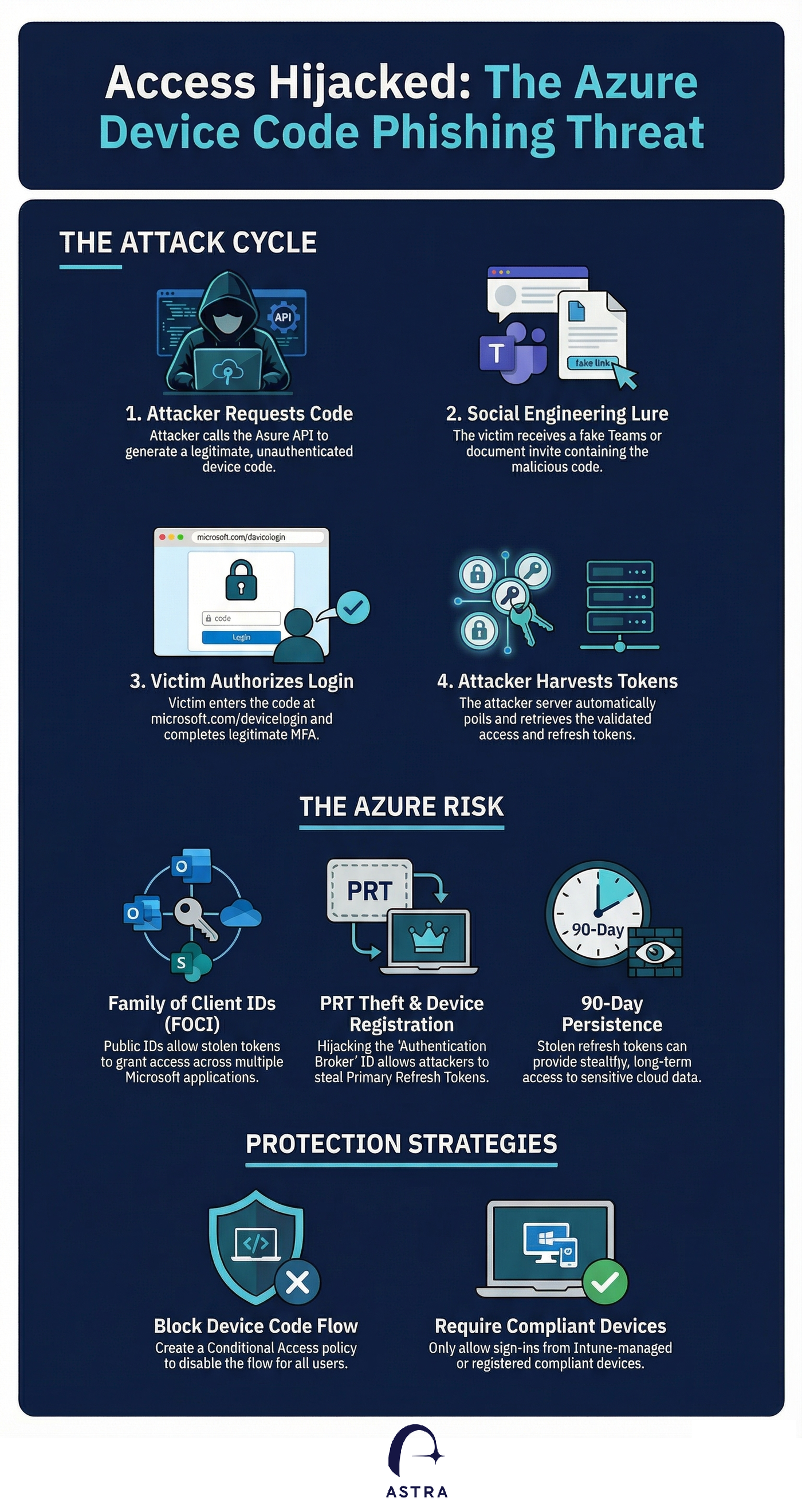
The device code phishing process occurs on legitimate Microsoft infrastructure. As a result, traditional security training that teaches users to check URLs for red flags often fails. Once the user enters the code and completes their MFA challenge, the attacker intercepts the resulting access and refresh tokens giving them long term access to the user's email, teams and other Azure services.
The device code flow was originally designed for "input-constrained devices", such as smart TVs, gaming consoles, or IoT printers, that lack a traditional keyboard or web browser. While it is a niche authentication method, threat actors have increasingly hijacked it to conduct high-powered Azure account takeovers.
How the Attack Hooks the Victim
In a typical campaign, an attacker uses social engineering, often via fake Microsoft Teams meeting invites or urgent IT support alerts, to trick a user into visiting the legitimate Microsoft login page at microsoft.com/devicelogin. The victim is instructed to enter a specific code provided by the attacker, which ostensibly "authenticates" their device.
Because the entire process occurs on legitimate Microsoft infrastructure, traditional security training that teaches users to check URLs for red flags often fails. Once the user enters the code and completes their MFA challenge, the attacker intercepts the resulting access and refresh tokens.
Why it’s "Over-powered" in Azure
Azure’s implementation of this flow is particularly dangerous because attackers can control the "client ID" and "resource" parameters of the request. By leveraging the "Family of Client IDs", a set of undocumented but freely available Microsoft GUIDs, attackers can request powerful tokens that grant broad access to the Graph API, Outlook, OneDrive, and SharePoint. Sophisticated variants even allow attackers to register their own rogue devices to an Entra ID environment and steal Primary Refresh Tokens (PRTs), granting them persistent, long-term control over the victim’s identity.
A Growing Global Threat
Microsoft has tracked multiple threat clusters using these tactics, most notably Storm-2372, a Russia-aligned group that has targeted governments, NGOs, and defense sectors since 2024. Other active actors include UNK_AcademicFlare and the financially motivated TA2723, both of whom use these "password-less" phishing techniques to bypass MFA and exfiltrate sensitive organizational data.
Securing Your Azure Environment
To defend against these token-based attacks, organizations should implement the following Azure-specific protections:
- Block the Device Code Flow: The strongest defense is a Conditional Access policy that blocks the device code authentication flow for all users, or limits it to a very small list of approved users and IP ranges.
- Require Compliant Devices: Ensure that sign-ins are only permitted from Intune-enrolled or registered devices. This prevents an attacker from using stolen tokens on an unauthorized, actor-controlled device.
- Implement Sign-in Risk Policies: Use Microsoft Entra ID Protection to automate responses to risky sign-ins. These policies can be configured to block access or force a password reset if a login attempt deviates from normal patterns.
- Immediate Revocation: If a compromise is suspected, administrators should use the
revokeSignInSessionscommand to immediately invalidate a user's refresh tokens and terminate active sessions.
By restricting these "legitimate" but often unnecessary authentication paths, Azure administrators can significantly reduce the risk of stealthy account takeovers.
How Can Astra Help
Astra customers can use the built in use cases to identify any users that might have fallen to Device Code Phishing. In addition, Astra's use cases can identity gaps in your Azure Conditional Access Policies that might allow for users to be compromised.
Contact us for inquiries or a demo https://astrasec.io/#cta